
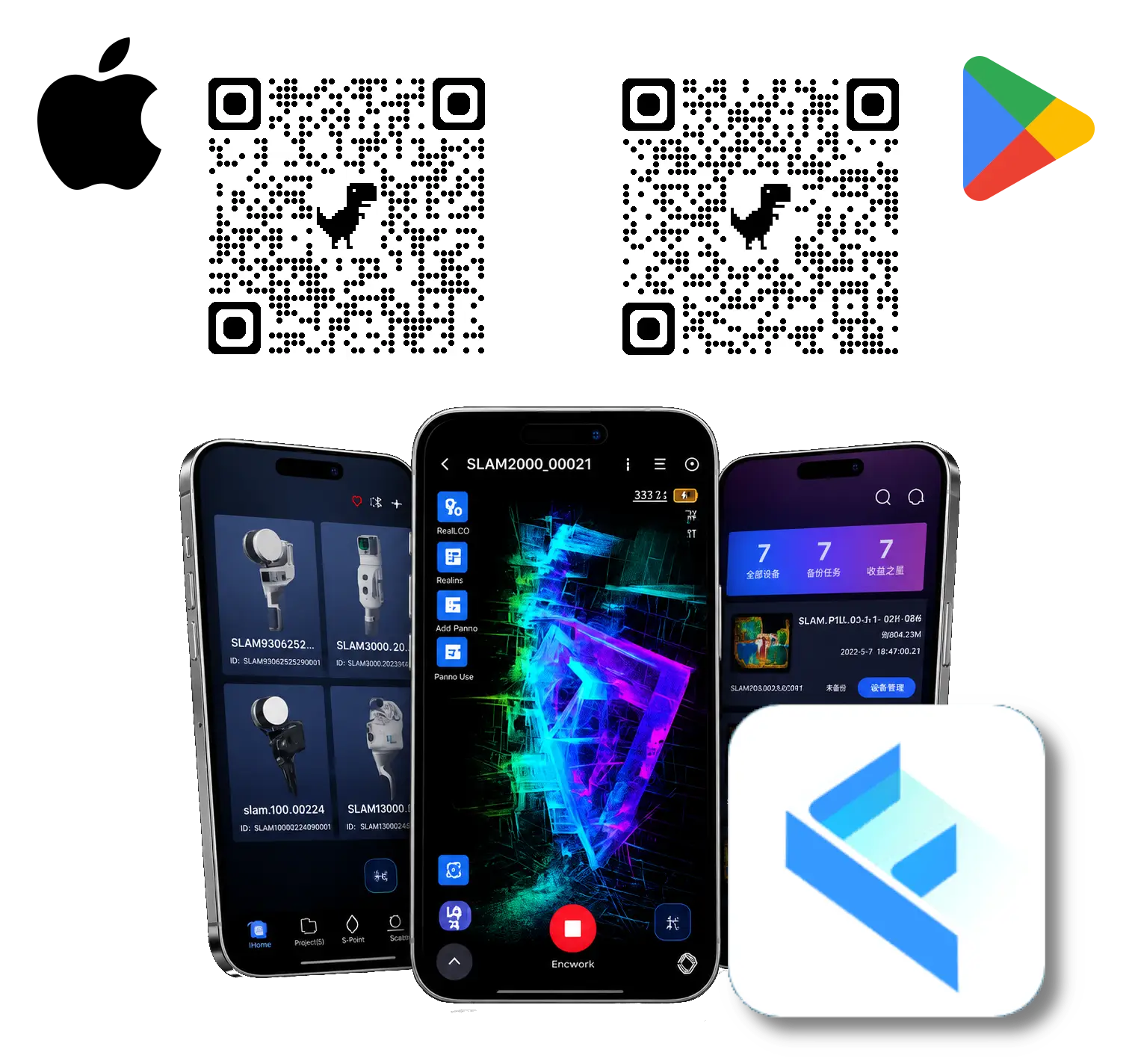
SLAM GO (Mobile)

SLAM GO Mobile is the free field application used to connect, configure, and operate Feima SLAM scanners. Available for both Android and iOS devices, the app serves as the primary interface for scanner setup, project management, scan control, and real-time monitoring during data collection.

Users can start and stop scans, view real-time point cloud generation, collect ground control points (GCPs), configure RTK/NTRIP correction services, monitor system status, manage projects, and perform firmware updates directly from their mobile device.

SLAM GO Mobile is a free download available through the Apple App Store and Google Play Store. Users can create a free Feima account and self-register within the application to access supported features and cloud-based project management tools.

Compatible with supported Feima Robotics SLAM scanners. Available for Android and iOS devices.

Category:

Description

SLAM GO Mobile Field Application

SLAM GO Mobile is the field application used to configure, operate, and manage Feima Robotics SLAM LiDAR systems. Available as a free download for Android and iOS devices, the application serves as the primary interface between the user and the scanner during data collection. From scanner activation and project setup through real-time monitoring and project synchronization, SLAM GO Mobile provides the tools required to support efficient field operations.

Designed for both new and experienced users, the application combines scanner control, project management, geospatial configuration, and system administration within a single mobile interface. Real-time visualization and status monitoring allow operators to verify data collection progress while remaining focused on efficient field workflows.

Scanner Operation & Real-Time Visualization

  • Wireless connection and management of supported Feima SLAM scanners
  • Start and stop scanning operations directly from the mobile device
  • Real-time point cloud visualization during data collection
  • Live monitoring of scanner status, storage, battery, and operational parameters
  • 2D and 3D viewing modes for project verification in the field
  • Project naming and device management tools

Geospatial & Control Point Support

  • Ground Control Point (GCP) collection and management
  • RTK configuration for compatible GNSS-enabled scanners
  • NTRIP credential management for real-time correction services
  • Support for georeferenced data collection workflows
  • Field verification of positioning and project status

Project Management

  • Create, organize, and manage scanner projects
  • Search, rename, and manage project records
  • Review project information directly from the field

Device Administration

  • Scanner activation and account management
  • Firmware update management and deployment
  • Device configuration and camera settings
  • Diagnostic tools and feedback submission
  • System log collection for troubleshooting and support

Mobile Platform & Account Access

SLAM GO Mobile is available as a free application through the Apple App Store and Google Play Store. Users can create and manage a Feima account directly within the application, enabling access to supported cloud services, project synchronization tools, and device management features.

Unlike desktop processing software, SLAM GO Mobile is intended for field operations and scanner management. The application works alongside SLAM GO POST, which provides the desktop processing environment used to generate deliverables such as optimized point clouds, colorized datasets, panoramic imagery, and 3D Gaussian Splatting products.

Availability

SLAM GO Mobile is provided at no additional cost for owners and operators of supported Feima Robotics SLAM systems. No software license purchase is required. Users simply download the application, create a free account, and connect to their scanner.

System Requirements

  • Android 9.0 or later
  • iOS 12.0 or later
  • Internet connection recommended for account management, cloud synchronization, firmware updates, and NTRIP services
  • Compatible with supported Feima Robotics SLAM scanners

SLAM GO Mobile Feature Highlights

Category Feature Description
Scanner OperationWireless Scanner ConnectionConnect supported Feima SLAM scanners to a mobile device for field operation.
Scan Start / Stop ControlStart and end scan sessions directly from the mobile app.
Device Status MonitoringView scanner status, storage, battery, connection state, and operating information.
Device ManagementBind, rename, activate, and manage supported scanner devices.
Real-Time VisualizationLive Point Cloud DisplayView real-time point cloud generation during field data collection.
2D / 3D Display ModesSwitch display modes to support field review and scan verification.
Camera PreviewPreview camera imagery and verify camera status before or during capture.
Point Cloud Display ControlEnable or disable global point cloud overview display based on field needs.
Geospatial SupportGCP CollectionRecord ground control point collection events during scanner operation.
RTK ConfigurationConfigure RTK settings for compatible GNSS-enabled Feima scanners.
NTRIP Credential EntryEnter NTRIP account information for real-time GNSS correction services.
Georeferenced Field WorkflowsSupport RTK-enabled capture workflows when used with compatible scanner systems.
Project ManagementProject ListView current device projects, local projects, and project records.
Project SearchSearch projects by trip number, project name, or project ID.
Project RenameModify project names from the mobile interface.
Device AdministrationScanner ActivationActivate supported scanners through the mobile application.
Firmware UpdatesDownload and apply firmware updates for supported scanner systems.
Camera SettingsAdjust camera-related settings such as color capture and anti-flicker options.
Storage FormattingFormat scanner storage media when required for field operation.
Account & AccessFree Account RegistrationCreate a Feima account using phone or email registration.
User Profile ManagementManage account settings, password, language, privacy, and application preferences.
Multi-Language SupportSelect from supported app interface languages.
Free Mobile AppAvailable at no additional cost through the Apple App Store and Google Play Store.
Support & DiagnosticsFeedback SubmissionSubmit app feedback, issues, and suggestions from within the mobile interface.
Log ExportExport application logs to support troubleshooting and technical assistance.